Platform SSO on macOS 27: one login for the Mac and everything else, no Microsoft required
macOS 27 moves Platform SSO into Declarative Device Management with a web login window, so staff sign in to the Mac with their identity provider directly.

Stabilise
There is a quiet lie running underneath most Mac fleets. Staff log in to their Mac with one password, sign in to Google or Microsoft 365 with another, and IT crosses its fingers that the two stay in step. They never quite do. Someone changes their work password on Monday, their Mac keeps asking for the old one, and by Wednesday there is a ticket and a reset and ten minutes nobody gets back.
Platform SSO was Apple's answer to that, and it has been sitting in macOS since Ventura. It was good in theory and awkward in practice, the kind of feature you read about and filed under "later." macOS 27 is the release that makes it worth turning on. It moves Platform SSO into Apple's modern management model, lets your identity provider take over the actual Mac login screen, and, the part most coverage misses, none of it needs Microsoft.
Here is what changed, the exact keys, and why an Apple-first business can run this with the tools it already has.
The two-password problem
Think about what a login really proves. When someone types their password into the macOS login window, the Mac checks it against a local account stored on that device. That is all it knows. It has no idea whether that person is still employed, whether their cloud account is locked, or whether the password matches the one they use for email. The Mac login and the company identity are two separate worlds that happen to share a string of characters.
That gap is where the friction lives. Passwords drift out of sync. Offboarding means disabling the cloud account and then separately remembering to deal with the Mac. Multi-factor authentication protects your email and your SaaS apps but stops at the Mac's front door, so the most privileged session on the device, the local login, is often the one with the weakest check on it.
Platform SSO closes the gap by tying the local macOS account to your identity provider. The password becomes the IdP password. The login becomes a real identity event. And from macOS 27, that event can happen at the login window itself, with your provider's own multi-factor flow, before the desktop loads.
What Platform SSO really does
The core idea is registration. The device registers with your identity provider, then the user registers, and from then on the Mac and the IdP share a trusted relationship. How the user proves themselves after that depends on the mode you choose. Per Apple's deployment guide (opens in a new tab), the main ones are:
- Password sync. The local Mac password and the IdP password become one. Change it in either place and the other follows. This is the gentlest path and the easiest to explain to staff, because nothing about the login looks different, it just stops drifting.
- Secure Enclave key. The Mac generates a hardware-bound key in the Secure Enclave and uses that to authenticate, so after setup the user is not really typing a synced password at all. This is the passwordless end of the spectrum.
- Web-based. The new one. macOS renders your identity provider's actual sign-in page in a secure web view, which means whatever MFA your IdP already enforces, including QR code sign-in, works at the Mac.
Whichever mode you pick, the win is the same. One identity, one set of credentials, one place to disable when someone leaves. It is the Mac finally behaving like a managed endpoint of your identity platform instead of an island with its own keychain of local accounts. It is fair to say this is among the most important things Apple has shipped for the enterprise, and the Apple-admin press has been arguing exactly that for a while.
What macOS 27 changed
Three changes turn Platform SSO from "interesting" into "configure it this summer."
It moved into Declarative Device Management. Platform SSO and the broader Extensible SSO settings now live in a new declaration, com.apple.configuration.extensible-sso (opens in a new tab), confirmed in Apple's WWDC26 identity integration notes. This matters for the same reason it mattered for binary control and the new privacy framework: the device holds the declaration and keeps itself in that state, rather than the server pushing a profile and hoping it sticks. SSO config that used to be one of the more brittle things to deploy becomes self-enforcing.
The login window can authenticate against your IdP. When you configure UserCreation.NewUserAuthenticationMethods with OpenID, macOS displays a web view that renders your identity provider's sign-in form at the login window, the Lock Screen, and FileVault unlock. It supports multi-step and multi-factor flows and QR code sign-in. You also get WebAuthentication.URLAllowList to pin the domains that view may load, WebAuthentication.AllowPasswordSync to keep the local password in step, and Policies.OfflineGracePeriod to set how many days a user can still log in locally before the Mac insists on a fresh IdP check. That last key matters: it is the difference between a device that bricks itself on a train with no signal and one that stays usable for a sensible window.
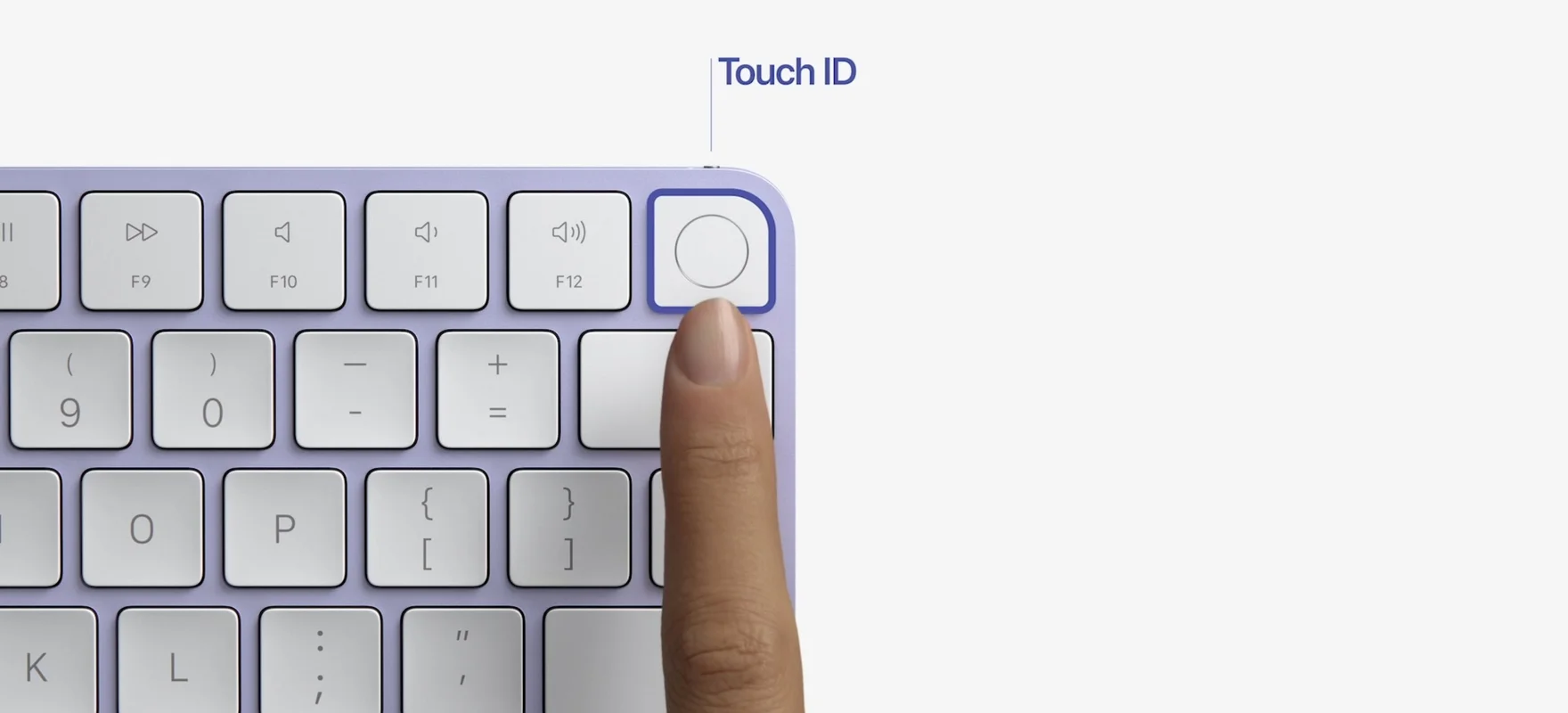
Touch ID is enforceable. Two new keys, RequireTouchID and RequireTouchIDOrWatch, let you make biometric authentication a policy rather than a per-user preference. Apple-admin coverage from Jamf (opens in a new tab) and ManageEngine (opens in a new tab) both call this out, because "everyone has Touch ID on" stops being a hope and starts being a control you can attest to in an audit.
There is a smaller change worth noting too: Authenticated Guest Mode now extends to FileVault-protected Macs, which clears a long-standing snag for shared and loaner devices where encryption and guest access used to fight each other.
You do not need Microsoft for this
Read most Platform SSO guides and you would think it is a Microsoft feature. Page after page assumes Entra ID and Intune. That is because Microsoft writes a lot of documentation, not because it is a requirement.
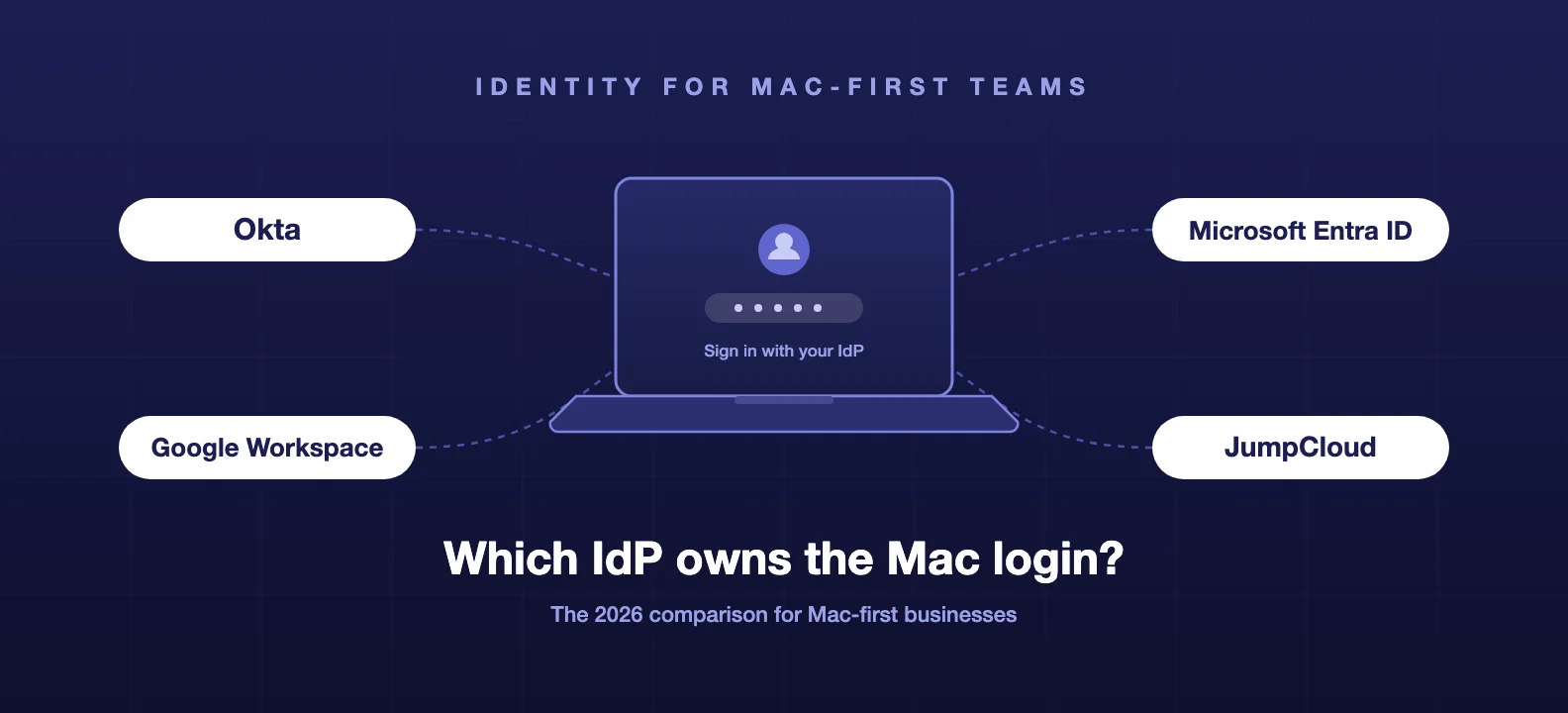
Platform SSO is built into macOS and configured through MDM. It is identity-provider agnostic. All it needs is an app containing an SSO extension that is compatible with your IdP, and the major providers all ship one: Microsoft Entra, Okta, Google, and Jamf's own connector among them. The OS does the heavy lifting. Your MDM delivers the declaration. Your IdP supplies the extension and the sign-in page.
For the businesses we work with, that is the whole point. A creative studio on Google Workspace, an architecture practice on Okta, a startup that never bought into the Microsoft stack: all of them can have IdP login at the Mac login screen, with MFA, managed through Jamf and the identity platform they already pay for. We run Jamf as our default and we are Apple specialists rather than Apple-only, so we test these declarations the same way regardless of whether a client's identity lives in Google, Okta or Entra.
Okta is where a lot of this work lands for us in practice. We recently put phishing-resistant MFA across a client's entire Google and GitHub access in under two weeks, enforced at the Okta layer with hardware-bound Okta Verify and a biometric on every sign-in, the same Secure Enclave and Touch ID that Platform SSO leans on. The full write-up is in our phishing-resistant MFA case study, and how we approach an Okta rollout sets out the method. If you are still deciding which identity platform to standardise on, our SSO and IAM showdown is the place to start, and the good news is that Platform SSO works with all the serious options on that list.
The honest caveats
This is genuinely good, and it is not free of sharp edges.
The biggest one is recovery. The moment your Mac login depends on your identity provider, the resilience of that login depends on the resilience of the IdP and the recovery paths around it. A locked-out user, an IdP outage, a staff member whose phone with the authenticator app just went in the Thames: these are the scenarios that decide whether a rollout feels solid or fragile. This is the same lesson we wrote up for passkeys, where the whole programme lives or dies on recovery, not the cryptography. Set your OfflineGracePeriod deliberately, keep a tested break-glass local admin account, and decide your lockout process before you enforce, not after the first ticket.
Two smaller ones. IdP extensions move at different speeds, so confirm your specific provider supports the macOS 27 web-login features and not just classic Platform SSO before you build on them. And FileVault plus the new login window deserves real testing in a pilot, because the unlock-then-login sequence is exactly the kind of flow that behaves perfectly on your machine and surprises you on the tenth.
What to do before the autumn
macOS 27 follows Apple's usual rhythm, a summer beta and general availability in the autumn, so there is a clean runway. Here is the order we are working through:
- Pin down your identity provider's support. Check that your IdP's SSO extension covers the macOS 27 web-login window and QR sign-in, not just the older modes. This decides what is on the table.
- Pilot password sync first. It is the lowest-drama mode and it solves the most common pain, the drifting password, on day one. Get that working in a pilot ring before reaching for passwordless or login-window web auth.
- Design recovery before enforcement. Break-glass admin account, a sane
OfflineGracePeriod, and a written lockout procedure. Test it by deliberately locking someone out. - Layer it into your baseline. Touch ID by policy and IdP-backed login both map onto our Mac security baseline guidance and give you cleaner answers when an auditor asks how device login is protected.
The short version: macOS 27 turns Platform SSO from a feature you kept meaning to look at into one that earns its place, and it does it without dragging you into a management stack you did not choose. Pilot it over the summer, get recovery right, and you walk into the autumn with one identity from the Mac login screen outward.
This is the kind of rollout we plan and run for clients as standard. If you want IdP-backed Mac login in place cleanly before macOS 27 lands, that is what we do.
Frequently asked questions
- Do I need Microsoft Entra or Intune to use Platform SSO?
- No. Platform SSO is identity-provider agnostic. It works with any IdP that ships a compatible SSO extension, which includes Microsoft Entra ID, Okta, Google, and Jamf's own connector. The whole feature is built into macOS and configured through MDM, so an Apple-first business running Jamf with Google Workspace or Okta gets the same single-sign-on-at-login experience without buying into the Microsoft management stack. Most of the public write-ups assume Entra plus Intune because that is Microsoft's documentation, not because it is a requirement.
- What changed for Platform SSO in macOS 27?
- Three things. Platform SSO moved from a standalone profile into Declarative Device Management through the new com.apple.configuration.extensible-sso configuration, so it self-enforces like the rest of Apple's modern management. macOS 27 added web-based authentication, which renders your identity provider's own sign-in page in a web view at the login window, Lock Screen and FileVault unlock, with full multi-factor and QR code sign-in. And Touch ID can now be required by policy through the RequireTouchID and RequireTouchIDOrWatch keys.
- What is the difference between Platform SSO and a normal SSO extension?
- A normal SSO extension signs you in to apps and websites after you have already logged in to the Mac. Platform SSO goes one layer deeper and ties the macOS local account itself to your identity provider, so the password you type at the login window is your IdP password and the session you start there flows into everything else. macOS 27 takes this further by letting the IdP authenticate you at the login window directly, including MFA, before the desktop even loads.
- Does Platform SSO work when the Mac is offline?
- Yes, within limits you set. macOS 27 exposes an OfflineGracePeriod, a number of days you define, during which a user can still log in locally without reaching the identity provider. After that window the device requires a successful IdP authentication again. It is the sensible middle ground between strict cloud-only login and a local password that never expires, and you should set it deliberately rather than leaving the default.
- Which macOS version do I need for the new login window?
- The web-based login window, QR code sign-in and the Touch ID policy keys require macOS 27, which Apple is shipping in the autumn of 2026 after a summer beta. Platform SSO itself has existed since macOS 13 Ventura, so password sync and Secure Enclave key modes work on older releases, but the login-window authentication and the declarative configuration are macOS 27 and later.