A startup offboarding checklist: access, Macs and data
A 20-step offboarding checklist for UK startups on Macs, Google Workspace or Microsoft 365, Okta and Slack: what to do before, on and after someone's last day.

Stabilise
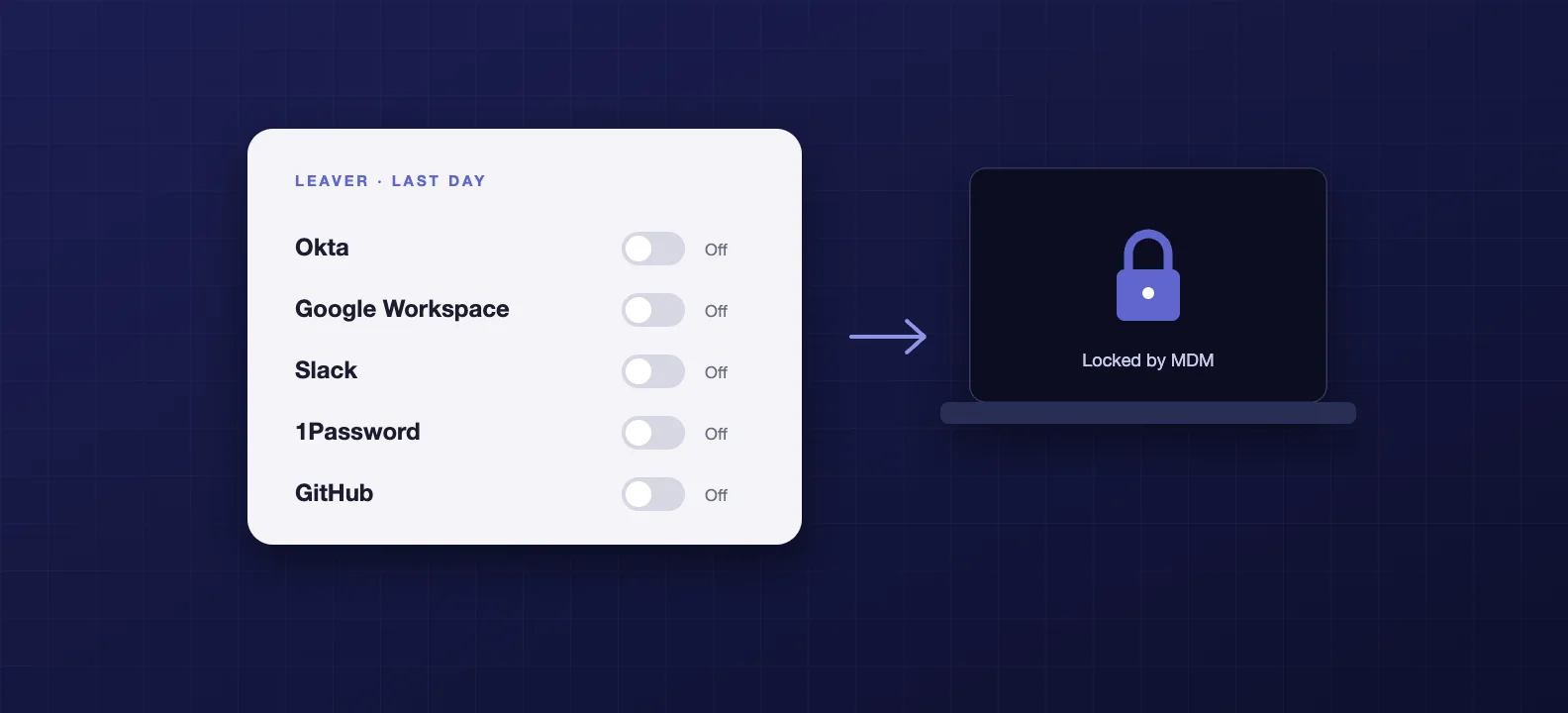
Offboarding is where startups leak access. Onboarding has a checklist because someone is waiting for a laptop. Leaving doesn't, so accounts linger, a Mac sits in a drawer still signed in, and the person who set up Slack is still its owner a year later.
The fix is a short, ordered routine: reassign anything the leaver owns, switch off their identity so connected apps follow, move their data before you delete anything, and get the Mac locked and back under your control. Below is a 20-step version for a typical startup stack of Macs, Google Workspace or Microsoft 365, Okta and Slack.
Why it matters more than it looks
The numbers are uncomfortable. In a 2022 survey of former employees in the US, UK and Ireland, 83% admitted they still had access (opens in a new tab) to accounts from a previous employer. Of those, 56% said they had used that access with the intent of harming the old employer. The survey was run by Beyond Identity, which sells authentication tools, so read it with that in mind. Even a fraction of that is a problem.
It's also a compliance item. The Cyber Essentials requirements (opens in a new tab) say to "remove or disable user accounts when they're no longer required (for example, when a user leaves the organisation)". ISO 27001 covers the same ground in its access rights and termination controls. If you're heading for either, auditors will ask how leavers are handled and want to see it working.
The principle: switch off the identity, not 30 apps
If your team signs into tools through single sign-on, most of offboarding is one action. The NCSC's identity and access management guidance (opens in a new tab) recommends exactly this: a joiners, movers and leavers process, and federated identity so that revoking access in one place removes it downstream.
That only works for tools connected to your identity provider. Everything outside it, the finance tool someone signed up for with a password, the cloud console with its own login, is where access survives. Part of good offboarding is knowing which tools those are before anyone leaves.
Before the last day
1. Agree the date and the owner. Confirm the last working day and who is responsible for the checklist, usually the line manager plus whoever runs your IT.
2. List everything they can reach. Identity provider, Google Workspace or Microsoft 365, Slack, the MDM, your password manager, GitHub, cloud consoles, billing portals and anything they signed up for directly.
3. Reassign ownership first. Workspace owner, billing owner, domain admin, the account that holds the company's GitHub organisation. Some tools block deactivation until this is done: Slack (opens in a new tab), for example, will not deactivate a Primary Owner until the role is transferred.
4. Move their password manager items. 1Password's offboarding guidance (opens in a new tab) is to move items from the leaver's employee vault into a shared vault before their account is removed.
5. Check personal devices. If they used a personal phone or laptop for work, note the company data or management profiles on it that need removing.
On the last day
6. Deactivate the Okta account. Deactivating (opens in a new tab), rather than suspending, removes their app assignments and admin roles, and deprovisions them from apps connected with automated provisioning.
7. Suspend, don't delete, their Google Workspace or Microsoft 365 account. Sign-in stops, the data stays. Google (opens in a new tab) doesn't transfer Drive files or email automatically when you delete a user, and a deleted user can only be restored for 20 days.
8. Keep the mailbox. In Microsoft 365, convert it to a shared mailbox (opens in a new tab) so colleagues keep the email and calendar, and don't delete the underlying account, which anchors it. In Google Workspace, transfer the data to a colleague.
9. Deactivate Slack. It signs them out everywhere and removes them from channels without deleting their messages or files. Check for apps or integrations installed under their name.
10. Collect the kit. The Mac, any other company devices, keys and access cards.
11. Lock the Mac through your MDM. Do it before anything else touches the device, and don't release it from Apple Business Manager yet. Apple notes that once a device is released (opens in a new tab), you can no longer manage its Activation Lock through Apple Business Manager.
12. Confirm the FileVault recovery key is in your MDM. If only the leaver knows it, a locked Mac can become a very expensive paperweight.
13. Suspend their password manager account once you've confirmed the vault items moved.
14. Revoke tokens and keys. Personal access tokens, API keys and app passwords tied to them, and any third-party apps they authorised against your Google or Microsoft tenant.
15. Change shared secrets they knew. Shared logins, the office Wi-Fi password, alarm codes.
After they've gone
16. Delete the accounts in your identity provider, Google or Microsoft and Slack once the data transfer is confirmed, within a period you've agreed internally.
17. Wipe and reissue the Mac, and clear Activation Lock before it's stored, reissued or sold.
18. Sweep the tools outside single sign-on. Anything they signed up for directly. This is where access most often survives.
19. Record what you did and when. A simple log per leaver is the evidence Cyber Essentials and ISO 27001 auditors ask for.
20. Set a retention date for what you keep. The ICO confirms the right to erasure (opens in a new tab) doesn't apply where you need data for a legal obligation, such as payroll and tax records, or to defend a legal claim. Keep what you have a reason to keep, note why, and delete the rest on schedule.
The usual gaps
Shared logins. A generic account five people know the password to doesn't get offboarded with any one of them. Move it into a shared vault and rotate it.
Owners and admins. The founder who created the Google Workspace tenant, the engineer who owns the cloud console root account. Ownership roles block clean removal until someone reassigns them.
Keys tied to a person. Service accounts and API keys created under an individual's name keep working after they leave unless someone rotates them.
Tools nobody knew about. If it was signed up for with a work email and a password, your identity provider can't switch it off.
How we handle it
For the startups we support, a leaver is a ticket rather than a scramble: access removed across every connected tool as soon as we're told, the Mac locked, recovered and wiped, data moved to the right person, and a record kept for the next audit. It's the other half of the zero-touch onboarding in our startup Mac stack, and it's part of what we mean by IT support for startups.
If investor or customer due diligence is on the horizon, leavers are on the list. Our guide to what security investors check at seed and Series A covers the rest.
Frequently asked questions
- Should we suspend or delete a leaver's Google Workspace account?
- Suspend first. Suspending blocks sign-in but keeps the data and the licence, which gives you time to transfer their Drive files and email to someone else. Google does not move that data automatically when you delete a user, and a deleted account can only be restored for 20 days. Delete once the transfer is done.
- What happens to a leaver's Microsoft 365 mailbox?
- The usual approach is to convert it to a shared mailbox so colleagues keep the email and calendar. Microsoft notes a shared mailbox is free up to 50GB, and that you must not delete the underlying user account afterwards, because it anchors the shared mailbox. Block the person's sign-in separately so they cannot get in.
- Does Cyber Essentials say how quickly leavers must lose access?
- It does not set a deadline. The v3.3 requirements say to remove or disable user accounts when they are no longer required, for example when a user leaves the organisation. The sensible standard is the leaver's last working day, and before they walk out if the departure is not friendly.
- How do we get a Mac back under control after someone leaves?
- If it is enrolled in your MDM, lock it remotely straight away, make sure the FileVault recovery key is held by the MDM, then wipe and reissue it. Do not release it from Apple Business Manager until you are finished with it: Apple notes that once a device is released, you can no longer manage its Activation Lock through Apple Business Manager.
- Can we delete everything about a former employee under UK GDPR?
- Not necessarily, and you often should not. The ICO confirms the right to erasure does not apply where you need to keep data to meet a legal obligation, such as payroll and tax records, or to establish or defend a legal claim. Keep what you have a reason to keep, write down why and for how long, and delete the rest.