Windows Server 2012 R2 End of Support: What to Do Next
Windows Server 2012 R2 ended support in October 2023. Learn what this means for security and compliance, your migration options by workload, and practical next steps.

Stabilise
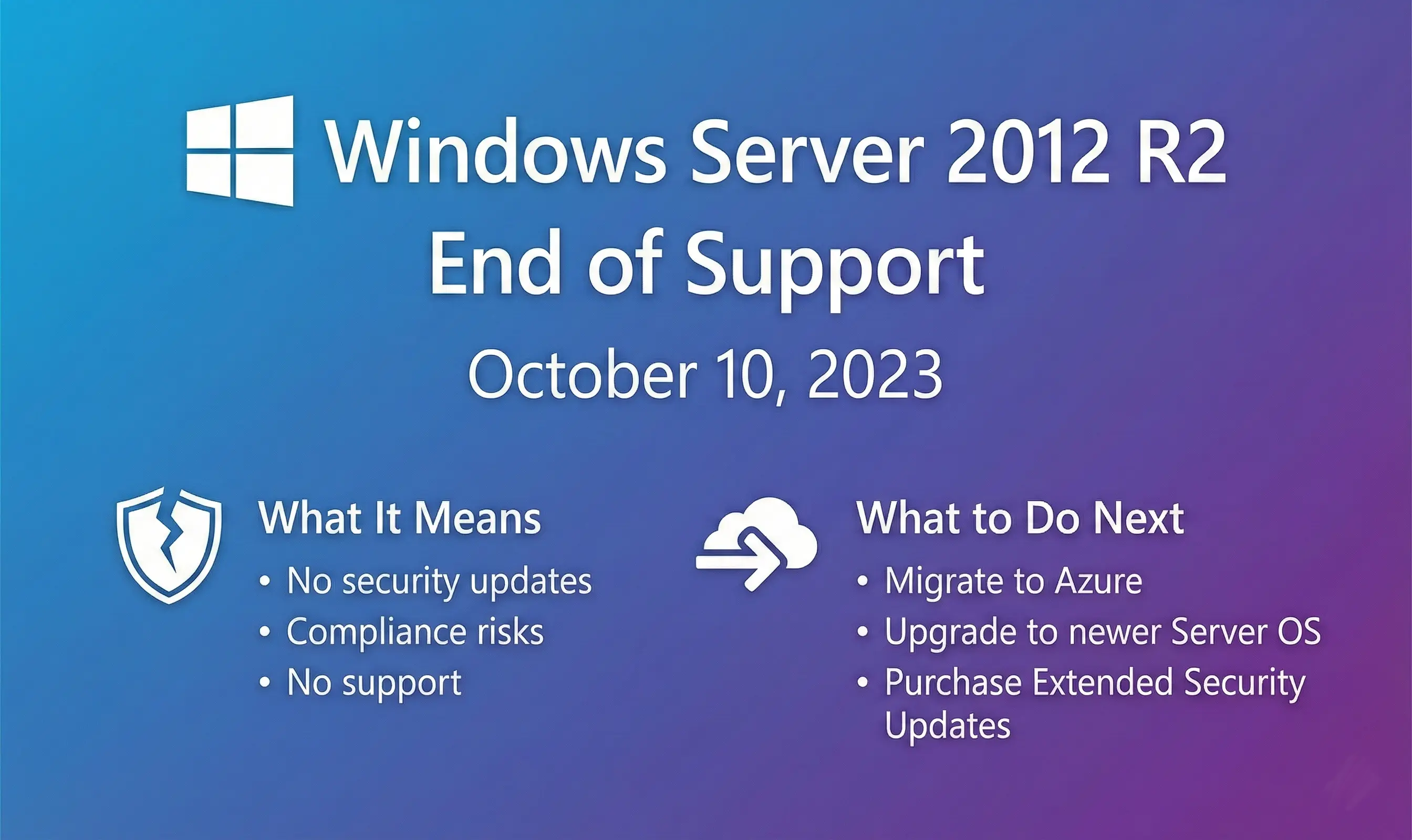
Windows Server 2012 R2 reached end of support on 10 October 2023. If you're still running it, you're not alone. Thousands of businesses are. But the clock is ticking, and the risks are real.
Here's what you need to know and what to do about it.
What End of Support Means
No more security patches. Unless you pay for Extended Security Updates (ESUs), Microsoft won't fix vulnerabilities discovered after October 2023. Every month that passes increases your exposure to new threats.
No technical support or bug fixes either. If something breaks, you're on your own. New hardware might not work properly. Modern applications might not install. Performance issues won't get resolved.
Compliance becomes a problem. Standards like GDPR, PCI DSS and HIPAA expect you to run supported systems. Auditors will flag unsupported servers. That can mean fines, failed audits, or breached contracts.
Security teams hate unsupported servers for good reason. Attackers target them because they know vulnerabilities won't be patched. Once they're in, they can move laterally across your network.
Extended Security Updates: A Temporary Fix
ESUs provide security patches only, for up to three years (until October 2026). They don't restore full support or add features.
If you're running 2012 R2 on Azure VMs or Azure Stack, ESUs are free. For on-premises servers, you need to purchase them annually. You can manage deployment through Azure Arc.
ESUs buy you time, but they're not a long-term solution. They're expensive for on-premises environments, and they don't solve the underlying problem that your infrastructure is over a decade old.
Your Migration Options by Workload
Different workloads need different approaches. Here's what makes sense for common scenarios.
Active Directory, DNS, DHCP
Stay on servers: Upgrade to Windows Server 2019 or 2022, either on-premises or in Azure VMs. These core services still need traditional servers.
Why not cloud: You need domain controllers and DNS for your network to function. These aren't going away.
File Servers
Stay on servers: Upgrade to newer Windows Server if you need full SMB protocol support and NTFS permissions.
Move to cloud: Consider Microsoft 365, SharePoint or OneDrive for team collaboration files. Keep servers only for specialty needs like high-performance storage or specific compliance requirements.
SQL Server Databases
Stay on servers: Lift and shift to newer Windows Server or Azure VMs, then upgrade SQL Server. Use ESUs short-term if needed during migration.
Move to managed: Migrate to Azure SQL Managed Instance or Amazon RDS for SQL Server. You get automatic patching, built-in high availability, and someone else manages the OS.
Legacy Business Applications
Stay on servers: Rehost on newer Windows Server or Azure VMs. This is usually the quickest path for tightly coupled legacy apps.
Move to SaaS: Long-term, look for modern SaaS alternatives or consider refactoring. Many vendors now offer cloud versions of legacy software.
Email and Collaboration
Don't stay on servers: Self-hosted Exchange on 2012 R2 is a security incident waiting to happen.
Move to SaaS: Microsoft 365 or Google Workspace. Automatic updates, better security, built-in backup and disaster recovery. Unless you have very specific regulatory requirements, this is the obvious choice.
Remote Desktop Services
Stay on servers: Upgrade RDS hosts to supported Windows Server versions, on-premises or in Azure.
Move to cloud VDI: Consider Azure Virtual Desktop or Windows 365 for simplified management and better scalability.
What to Do Now
Take inventory: Find every Windows Server 2012 R2 instance in your environment. Include physical servers, VMs, and forgotten systems in cupboards.
Assess business impact: Which systems are mission-critical? Which contain sensitive data? Which face the internet? Prioritise accordingly.
Check compliance requirements: Talk to your compliance team or auditor. Understand what running unsupported systems means for your certifications and contracts.
Calculate the cost of waiting: ESUs aren't cheap for on-premises environments. Compare the cost of ESUs for three years against the cost of migrating now.
Plan migration windows: Most workloads need testing before you migrate them. Book time, involve stakeholders, and build in contingency.
Don't panic, but don't delay: October 2026 sounds far away, but migration projects take longer than you think. Start planning now.
The Bottom Line
Windows Server 2012 R2 had a good run. It's been over a decade. But technology infrastructure needs to evolve with the threat landscape and business requirements.
ESUs give you breathing room, not a permanent solution. Use that time wisely. Inventory your systems, assess your options, and build a migration plan that balances risk, cost and business continuity.
The businesses that get caught out are the ones that ignore the problem until it becomes urgent. Don't be one of them.